Price screens that know the crowd
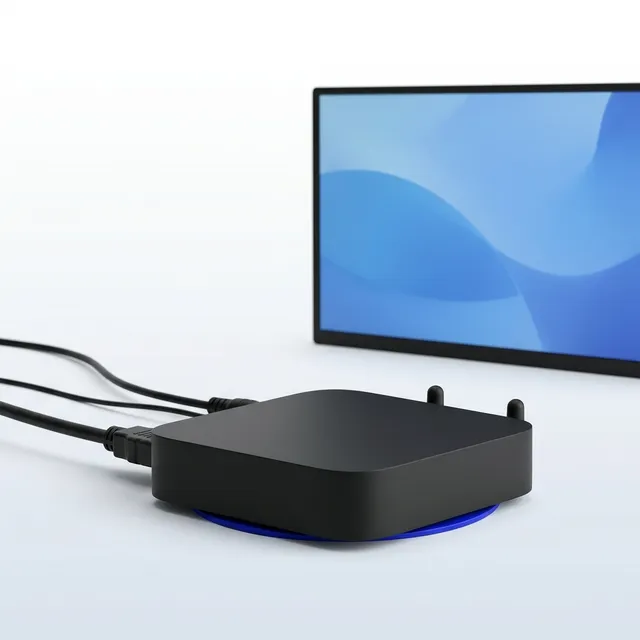
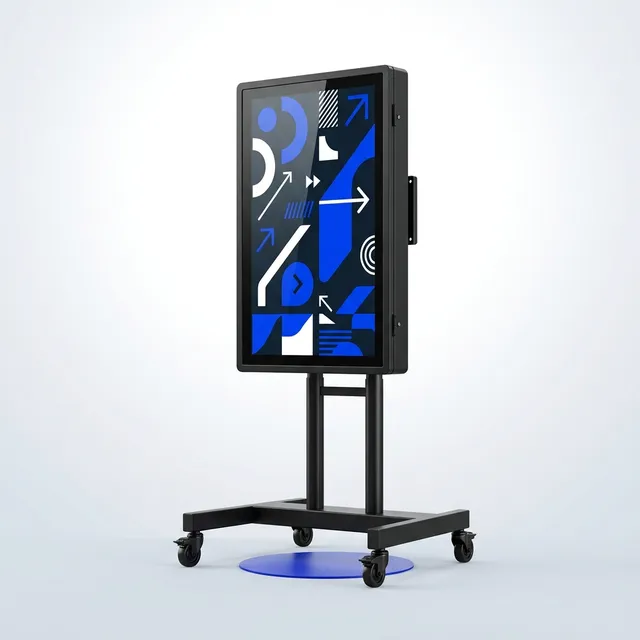
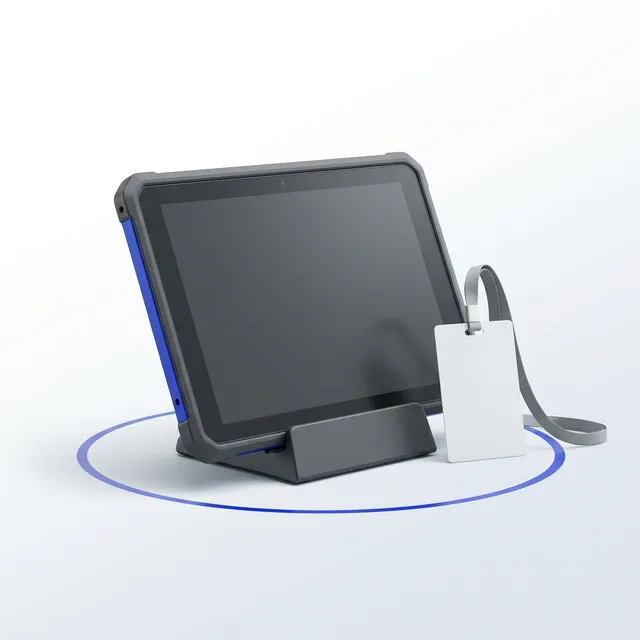
Players for the screens you have, outdoor screens on stands for the ones you do not, managed from one place and switching layouts when the counts change. By the month for a venue, by the day for an event.
Private quote
This quote was sent to one address
Enter it to open the quote. If it was shared with you, the person who built it can send you your own link.
Not yours? Build your own in five minutes.
Step 1 of 4
Your screens
How many screens, and for how long.
Type the address and we work out the travel band from our Banyo workshop. Travel is priced per trip by band, not by the kilometre.
24+ months: 15 % off hire · 18+ months: 10 % off hire · 12+ months: 5 % off hire
Step 2 of 4
The kit
Everything this category offers, priced by the month. Set the count; the summary follows. Not sure what goes where? See the deployment designs.
Signage
Players and screens that react to the crowd.
Platform & apps
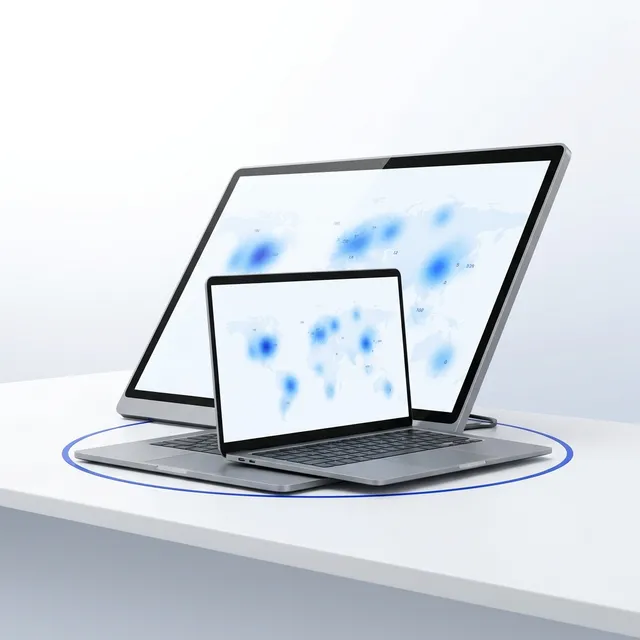
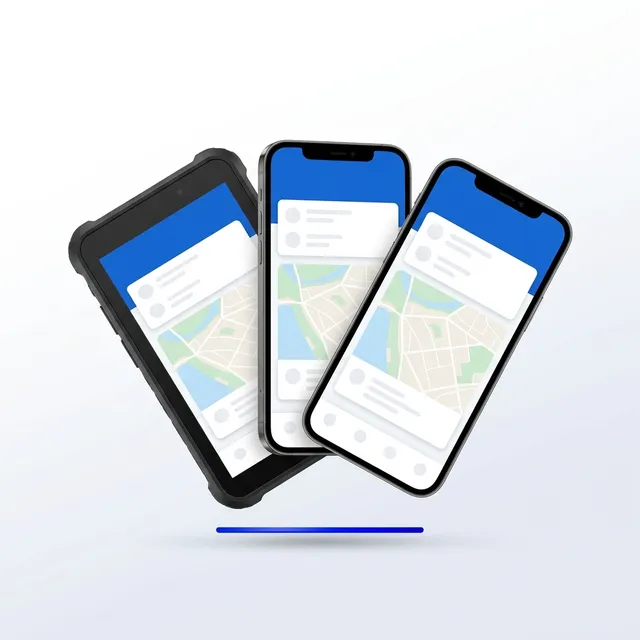
Control Room seats and crew app packs.
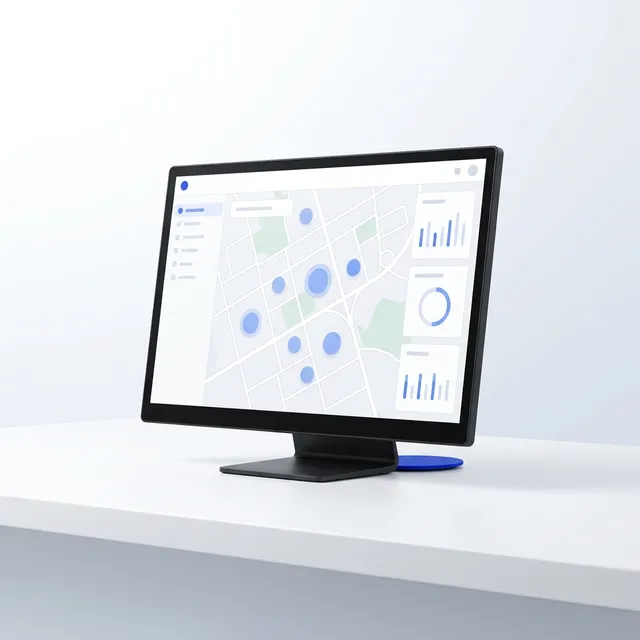
Services
Crews, operators, reports and training.
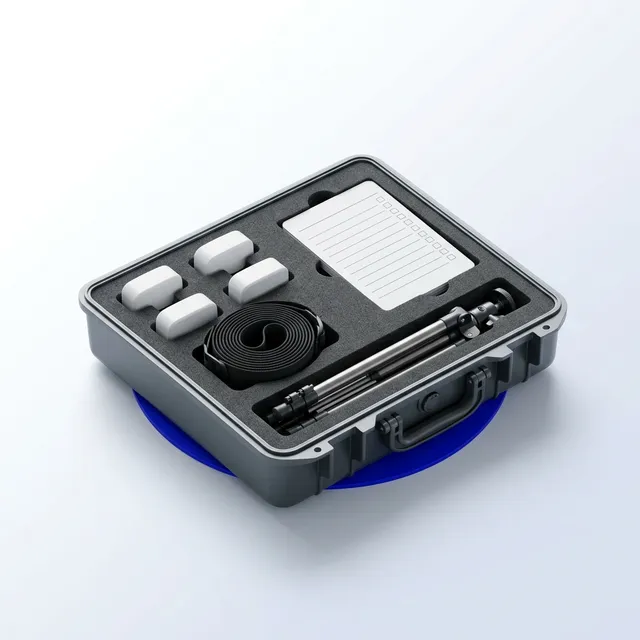
Deployment crew day · Two technicians, on site, for a day.
$1,450 a day · spec

On-site operations lead · Someone from us in the control room for the day.
$950 a day · spec

Event impact report · Attendance, dwell and flow, written for the board and the funder.
$1,900 per event · spec

Quarterly precinct report · The main street, the park and the pool, every quarter.
$1,200 a quarter · spec
Privacy impact assessment · Assessed before a node goes up, in writing.
$2,400 once · spec

Operator training, half day · Your team running the Control Room by lunch.
$795 once · spec
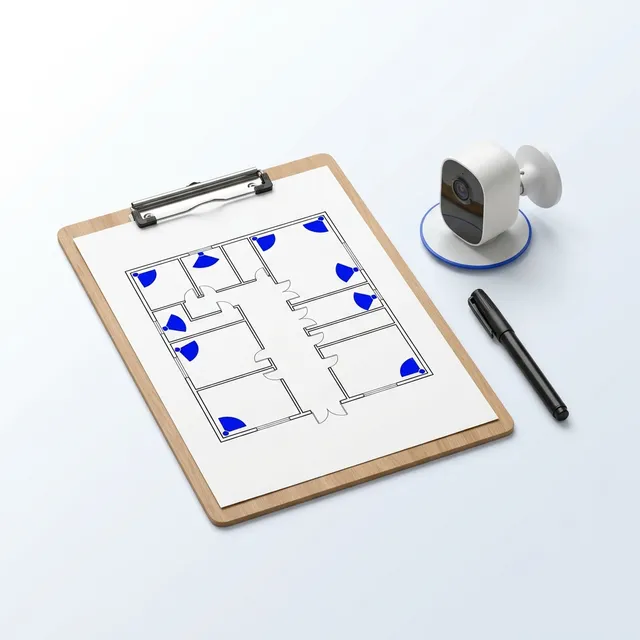
Security camera design & commissioning · The camera plan, the mounts, the alerts, signed off.
$1,250 once · spec
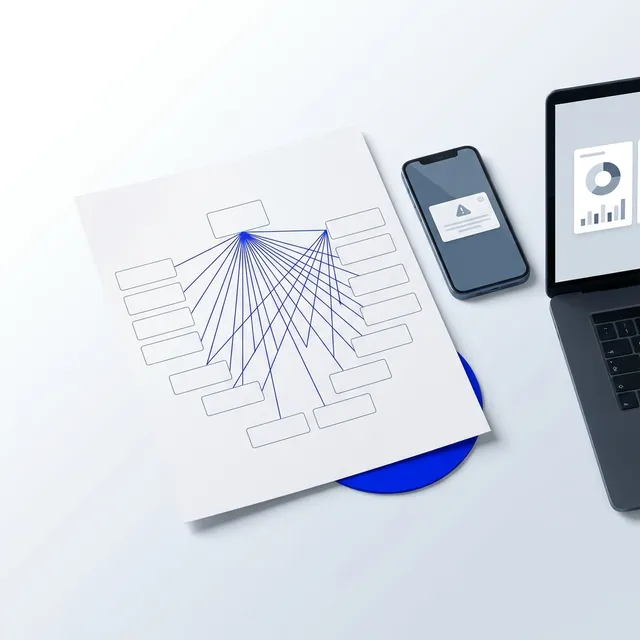
Information routing design & commissioning · Every measurement with a named destination and a person who confirmed it arrived.
$850 once · spec
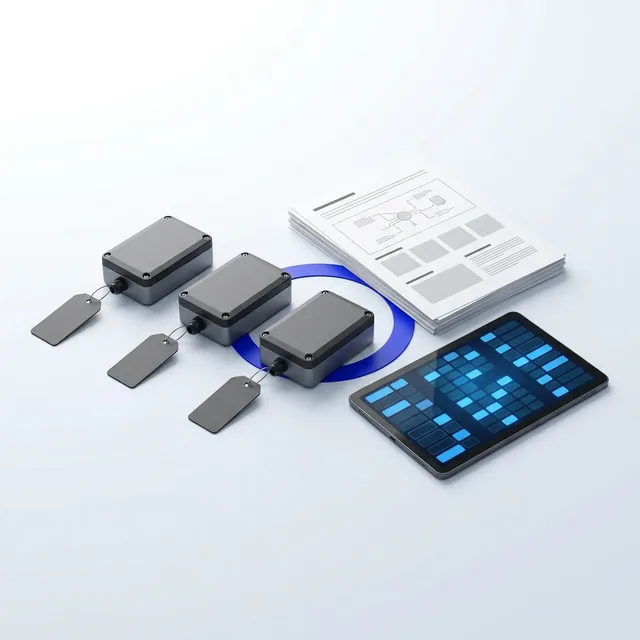
Site Intelligence Programme · One estate of nodes across every site, not a lease per project.
$290 a month · spec

Alert routing to your security provider · Our alerts, their patrol. We are not the guard.
$49 a month · spec

Reseller programme · Put your own clients on it, under your own name.
$390 a month · spec
Connectivity
Backhaul for the nodes; internet for the people.
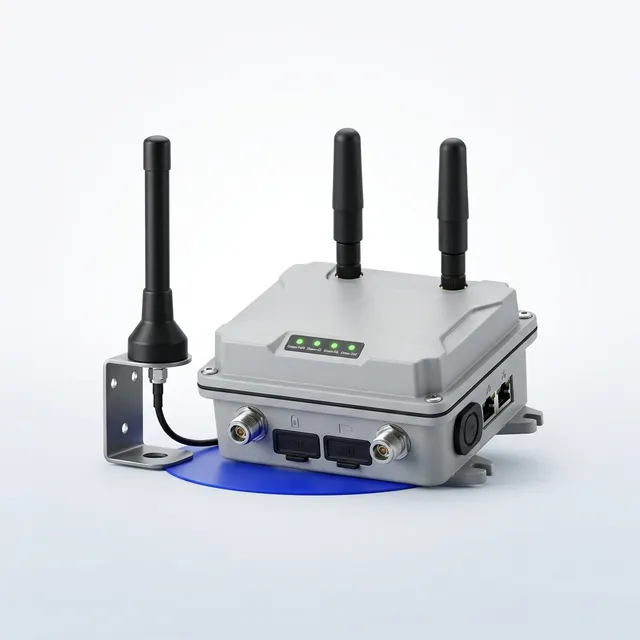
Site Internet · 4G and 5G internet with Wi-Fi for the site office and the crew.
$149 a month · spec
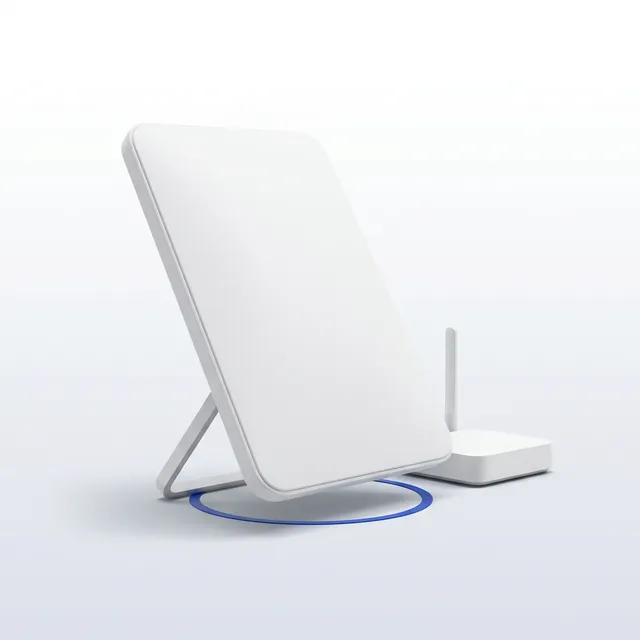
Satellite Internet Kit · Internet where there is no coverage, for the office and the crew.
$249 a month · spec
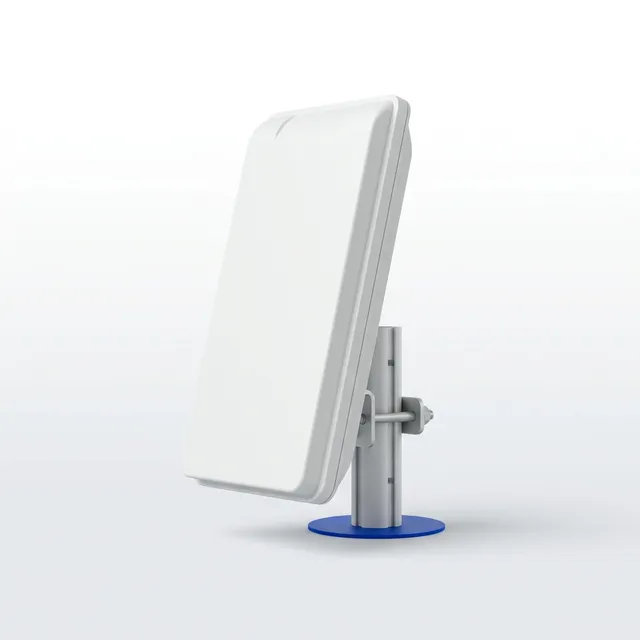
Outdoor Wi-Fi Access Point · Coverage across the compound, the yard or the event site.
$59 a month · spec
Event control
The control room in a case, its plan and its debrief.
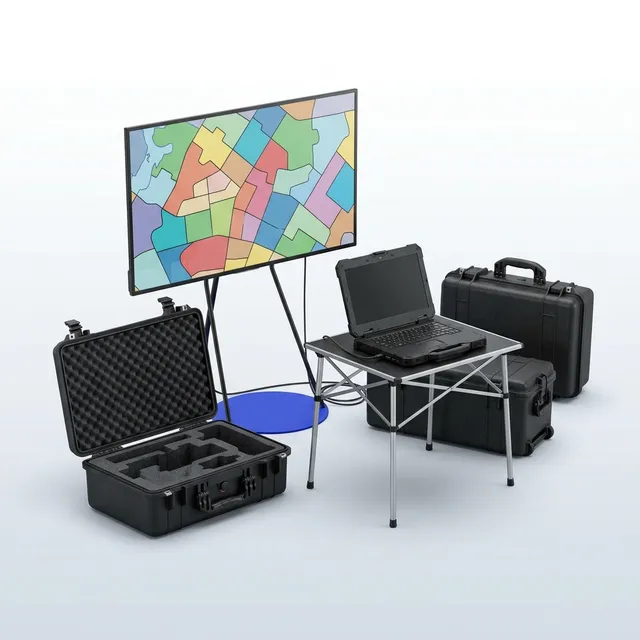
Event Control Room kit · The board, the workstation and the link, in a case.
$990 a month · spec
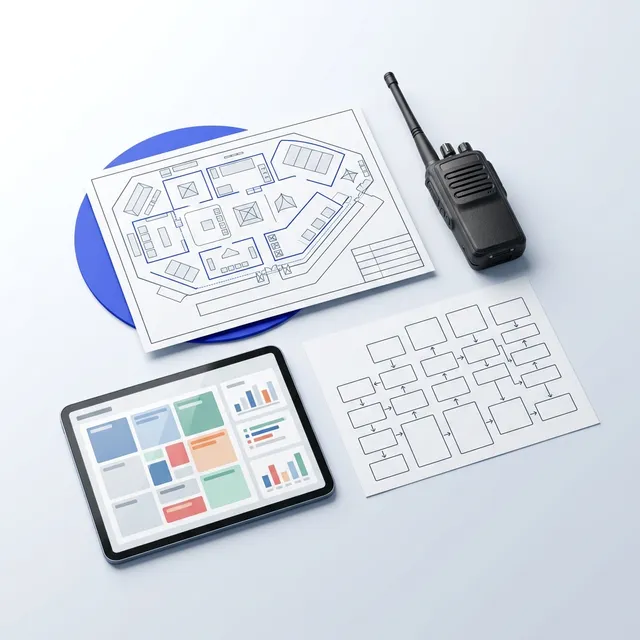
Event control plan & setup · Zones, thresholds, roles and escalations, before doors.
$1,450 per event · spec
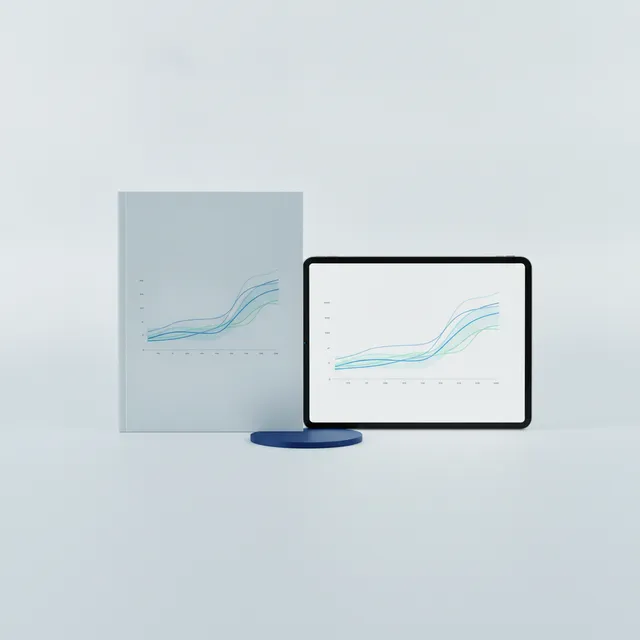
Event control debrief pack · The timeline, the incidents and the curves, in one document.
$650 per event · spec
Vision Engine
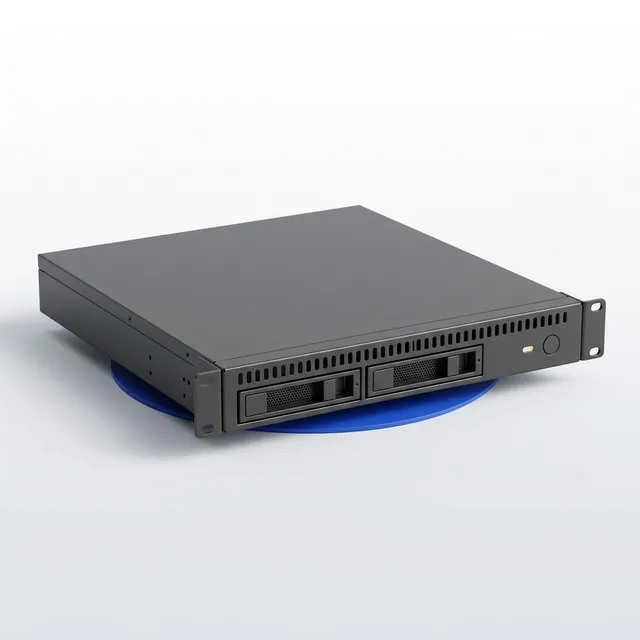
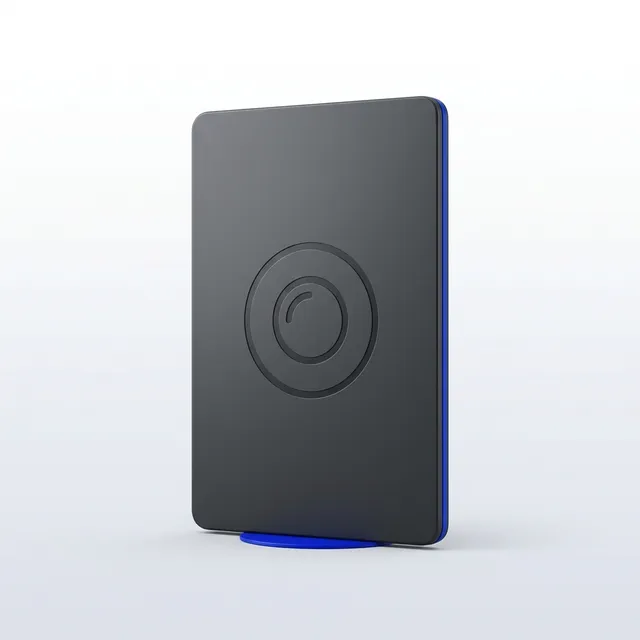
On-premises analytics for the cameras already on the wall.
Step 3 of 4
Who deploys it, and how you pay
Included, whatever you pick above
Who gets what, and how fast
Every measurement has a named destination, a trigger, a channel and a person who confirmed it arrived.
The control room
- Occupancy by zone against the limit, live, with the rate of change beside it
- Gate throughput and the queue building at each entry
- Every zone threshold crossing, on the board and in the log, with the time it cleared
A screen on the wall · The site dashboard · Push to the crew app
Gate and door crews
- The count at their own door against the limit the venue sets
- A call to open or hold, from the controller, with the number that prompted it
- The barrier and queue state at their gate and the one either side of it
Push to the crew app
Safety and medical
- Density by zone, read the way a safety case reads it, against the thresholds in the plan
- The zones building fastest, ranked, so a crew is moved before the call
- An alert on every threshold crossing, with the zone and the time
Push to the crew app · A screen on the wall · The site dashboard
The producer
- Attendance: unique visitors and entries, by day and across the run
- Dwell at the places you sold: the sponsor activation, the bar, the stage
- Whether the site plan worked, zone by zone, against last year where there is a last year
The site dashboard · A signed document · Email, scheduled
Sponsors and rights holders
- Dwell and reach at their own activation, for their own dates
- A one-page result they can put in front of their own board
A signed document · Email, scheduled
The venue or the council
- Occupancy against the licensed capacity, for the licensed hours
- Noise at the boundary against the condition, with the time and the duration
- A compliance summary for the period, dated and exportable
The site dashboard · A signed document
1. Sent · Immediately
The route fires to the people holding that role right now, on every channel that route carries.
2. Acknowledged · One tap
The first person to acknowledge takes it, and everyone else on the route sees that it is taken. The acknowledgement and the name are logged.
3. Re-routed · On the window you set
Unacknowledged inside the window, it goes to the next name on that route. Windows are per route: a gate alert is not a coverage report.
4. Escalated · On the second window
It reaches the escalation contact for that site, and the fact that the first two steps did not land appears in the monthly report.
Set with you on a call before the build, then every route is fired with a real trigger and confirmed by a real person before we call it commissioned. A route nobody confirmed is not a commissioned route. Detection is advisory throughout: presence, count, reading and state, never identity.
Step 4 of 4
Save the quote and send it to yourself
You get an email with a link that reopens this exact quote and an A4 proposal to save as a PDF. We get the same. The link opens only for the address you enter here; share it from the quote afterwards.
A person takes it from here
The questions venues ask first
Do we need to buy screens?
Not for a venue: the Signage Player plugs into any HDMI screen you already own. For an event, hire the outdoor screen on a stand with the player fitted.
What makes it crowd-aware?
Pair a screen with a crowd node or a gate counter and the layout can change when a zone fills or a queue forms: a wayfinding message, a wait time, a redirection. The rules are yours to set.
How does content get managed?
From a browser: layouts, playlists, schedules and takeovers, with 160+ app integrations for live feeds. Content is cached on the player, so screens keep playing through a dropout.
Rather price it with a person?

Wesley Pearson, Managing Director
It's in Brisbane right now.
“You will get a reply from me within a business day, and a straight answer if we are the wrong fit.”
Book a timeFifteen minutes is usually enoughFifteen minutes with a person who reads what you send. No slides, no drip sequence.Book a quick chat →