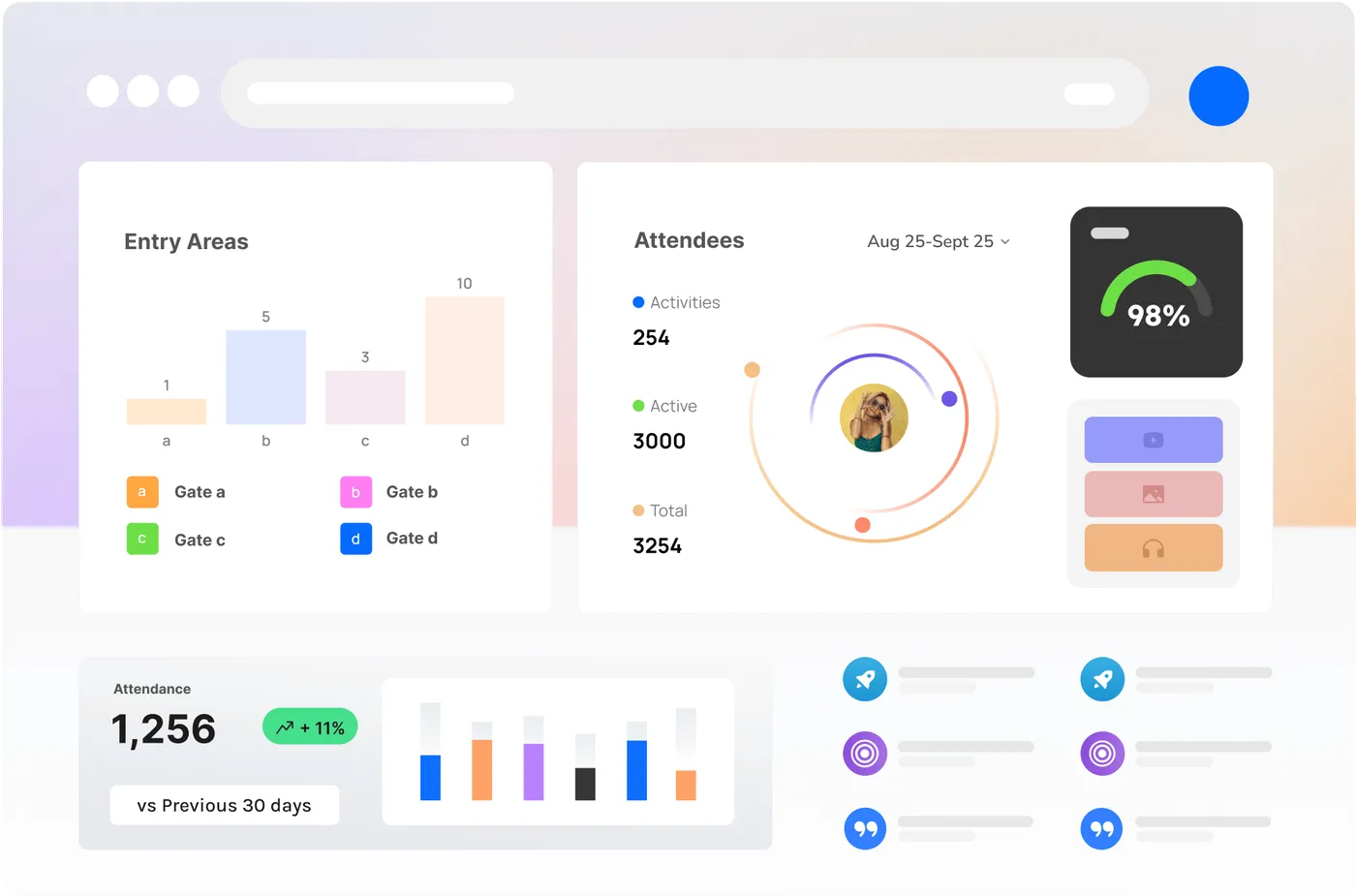
How CrowdSense works when you are the one holding the budget
You are not shopping for a dashboard. You need numbers a sponsor, a council or an investor will believe, without adding a science project to an already-full production week.
Who this is for
Independent producers, promoters, touring shows, brand agencies running activations, and anyone who has to explain the crowd to someone who was not there.
A first conversation is a working session on your event, not a product tour. If we are the wrong fit we will say so in that meeting, not after a six-week trial.
What the first event actually looks like
Not a rollout plan. The shape of one event, done properly.
- 01
You tell us the event, not a spec
We start with what you are running and what you have to prove. Cameras, nodes and APIs come after that, once we know the job.
- 02
A demo on your site plan
We walk occupancy, dwell and queues on a layout that looks like yours. If you only have a muddy site map, we still use it. Generic venues teach you nothing.
- 03
A scoped first event, not a platform rollout
One weekend, a handful of zones, a named operator on your side. We would rather do a small event properly than sell you a season you cannot staff.
- 04
Numbers you can hand to someone else
Debrief packs a sponsor or a board can read without us in the room. Live numbers stay in the control room and the companion app where the crew actually are.
Your team, mapped before day one
Every measurement has a named destination, a trigger, a channel and a person who confirmed it arrived.
The control room
The event controller and the operations manager holding the whole site.
- Occupancy by zone against the limit, live, with the rate of change beside it
- Gate throughput and the queue building at each entry
- Every zone threshold crossing, on the board and in the log, with the time it cleared
- The incident timeline as it is written, so the debrief starts already built
On: When a reading crosses a line, When something happens, On a schedule
Through: A screen on the wall, The site dashboard, Push to the crew app
Gate and door crews
The supervisors on the entries who can open a lane or hold a queue.
- The count at their own door against the limit the venue sets
- A call to open or hold, from the controller, with the number that prompted it
- The barrier and queue state at their gate and the one either side of it
On: When a reading crosses a line, When something happens
Through: Push to the crew app
Safety and medical
The crowd-safety officer and the medical lead.
- Density by zone, read the way a safety case reads it, against the thresholds in the plan
- The zones building fastest, ranked, so a crew is moved before the call
- An alert on every threshold crossing, with the zone and the time
On: When a reading crosses a line, When something happens
Through: Push to the crew app, A screen on the wall, The site dashboard
The producer
Whoever holds the budget and answers to sponsors, investors or the board.
- Attendance: unique visitors and entries, by day and across the run
- Dwell at the places you sold: the sponsor activation, the bar, the stage
- Whether the site plan worked, zone by zone, against last year where there is a last year
- The post-event report, written and dated, for the acquittal and the sponsor pack
On: On a schedule, At a milestone, When somebody asks
Through: The site dashboard, A signed document, Email, scheduled
Sponsors and rights holders
The partners who bought a position and need to see what it delivered.
- Dwell and reach at their own activation, for their own dates
- A one-page result they can put in front of their own board
On: On a schedule, When somebody asks
Through: A signed document, Email, scheduled
The venue or the council
The landowner, licensee or authority the licence conditions sit with.
- Occupancy against the licensed capacity, for the licensed hours
- Noise at the boundary against the condition, with the time and the duration
- A compliance summary for the period, dated and exportable
On: When a reading crosses a line, On a schedule
Through: The site dashboard, A signed document
What happens if nobody acknowledges it
Sent
Immediately
The route fires to the people holding that role right now, on every channel that route carries.
Acknowledged
One tap
The first person to acknowledge takes it, and everyone else on the route sees that it is taken. The acknowledgement and the name are logged.
Re-routed
On the window you set
Unacknowledged inside the window, it goes to the next name on that route. Windows are per route: a gate alert is not a coverage report.
Escalated
On the second window
It reaches the escalation contact for that site, and the fact that the first two steps did not land appears in the monthly report.
Questions we will actually ask
These are the same questions in the demo form. We ask them because the answers change the kit, the room, and who needs to sit in.
We will ask
What would make this a yes?
If the answer is “a number the naming-rights sponsor will accept”, the demo is dwell and catchments, not a camera catalogue.
Question 1
We will ask
How many events this year, and do they tour?
A one-off and a season are different jobs. Touring wants a kit list that survives a truck, not a venue install.
Question 2
We will ask
Who else sits in the decision?
We will not waste a meeting that needed the venue manager and the safety officer in the room.
Question 3
We will ask
What did you try last time?
Clickers, a steward’s guess, a CCTV vendor’s occupancy overlay - knowing that stops us pitching something you already know does not work.
Question 4
We will ask
Who on your team needs to know, and how fast?
Control room, gates, safety, sponsors, the venue: this becomes the routing map we build to, not a slide in the demo.
Question 5
We will ask
What actually gets read after the event?
Gate throughput, sponsor dwell, the capacity call, a year-on-year comparison: pick what has to hold up, and the demo is built to prove it.
Question 6
We will ask
What do you already run?
Ticketing, a radio net, CCTV, an incident system, a spreadsheet: each one changes what we integrate with, not what we replace.
Question 7
We will ask
What does the site look like, and what are the constraints?
Gates, zones, bars, power, mounting points, load-in and pack-down windows: you can usually answer these without opening a plan, and they set the node count before we talk price.
Question 8
We will ask
When does the build start, and when are first doors?
The build date sets when the kit has to be live. First doors is what everything else counts down to.
Question 9
Straight answers
Do I need cameras already in the venue?
No. Sense Nodes read anonymous Bluetooth already in the crowd and do not need cameras. If you do have CCTV we can use it. If you do not, we will not invent a reason to sell you some.
How much production time does a first event take?
A scoped weekend is usually a site walk, a kit plan, and a named person on the radio. We do not ask your production team to become analysts. If the event cannot spare that, we will say so rather than squeeze in.
Can sponsors see the numbers without seeing the control room?
Yes. Live ops stay with the crew. Sponsors get the debrief: dwell, catchments, which activation actually held people. We will not put a sponsor laptop on the same screen the safety officer is watching.
What if the date is three weeks away?
Say so in the form. Sometimes a short lead is still doable with Sense Nodes and a small zone list. Sometimes it is not. We would rather lose the work than arrive unprepared.
What happens if it rains?
Every Sense Node and camera position is rated to run in weather that would send a steward home. Rain does not change what is being measured; it changes how the crowd spreads, which is exactly the number a wet-weather call needs in real time.
Who owns the data after the event?
You do. It is exportable at any time, the debrief pack is yours to keep, and the sponsor cut of the same numbers does not need us in the room to send.
Can the council see our numbers?
Only what you choose to share, and only against the conditions they hold you to: occupancy against the licensed capacity, noise at the boundary, a compliance summary. Nothing else you measure is visible to them unless you say so.
What if the site plan changes on the day?
Tell your named contact as soon as it moves. On the day that is a radio call and a change made with the crew already on site, not a change order that waits for the next event.
What do you collect about the people in the crowd?
We measure crowds, not people. Our sensors count and classify — they do not identify. No facial recognition, no biometric identification of people. Ever. What leaves a camera node is counts and events, not video.
Rather talk it through first?
Book a time and your answers come with you, or call the office line. Either way you get the person who reads the enquiries.
Talk to a person
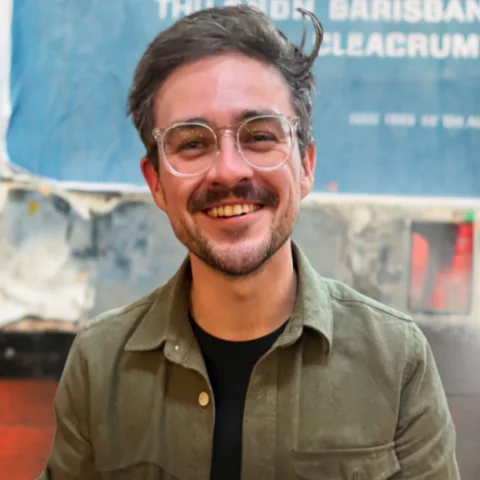
Wesley Pearson, Managing Director
It's in Brisbane right now.
“You will get a reply from me within a business day, having read whatever you sent about the event, and a straight no if we are the wrong fit.”
Book a time
Tell us about the event, in your words
The form is seven short steps. A person reads it. If you would rather talk, book a time.