Price your site in five minutes
Cameras, weather, site sensors and the backhaul that carries them, priced per node per month with the install and the data shown as their own lines. Change anything and watch the total move. Send it to yourself when it looks right.
Private quote
This quote was sent to one address
Enter it to open the quote. If it was shared with you, the person who built it can send you your own link.
Not yours? Build your own in five minutes.
Step 1 of 6
Your site
The address sets travel. The programme length sets the discount. Everything else can change later.
Type the address and we work out the distance from our Banyo workshop. Travel is priced by band, not by the kilometre.
24+ months: 15 % off hire · 18+ months: 10 % off hire · 12+ months: 5 % off hire
Step 2 of 6
Cameras
One position per camera. Name them for what they watch: the site wide, the gate, the fit-out. Additional cameras are cheaper than the first.
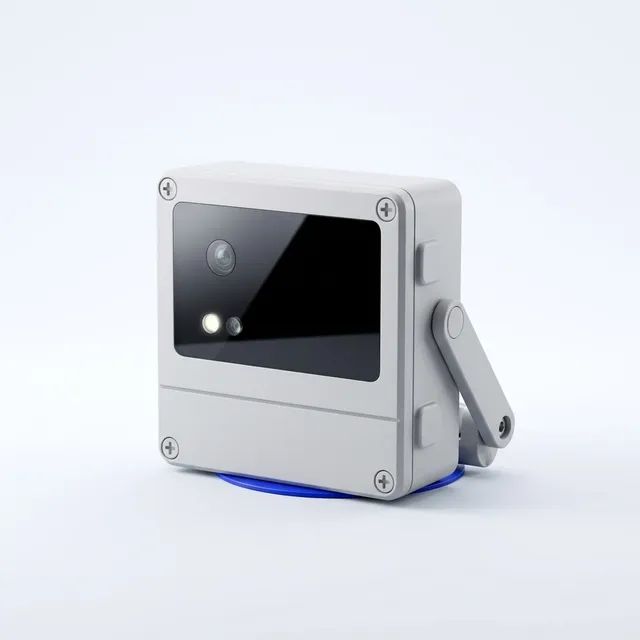
Timelapse Node 101
The whole build, every ten minutes, on solar.
$449/month hired ($420 hire + $29 data), $349 for each additional. Own it: $1,495 + $195/month.
Full spec →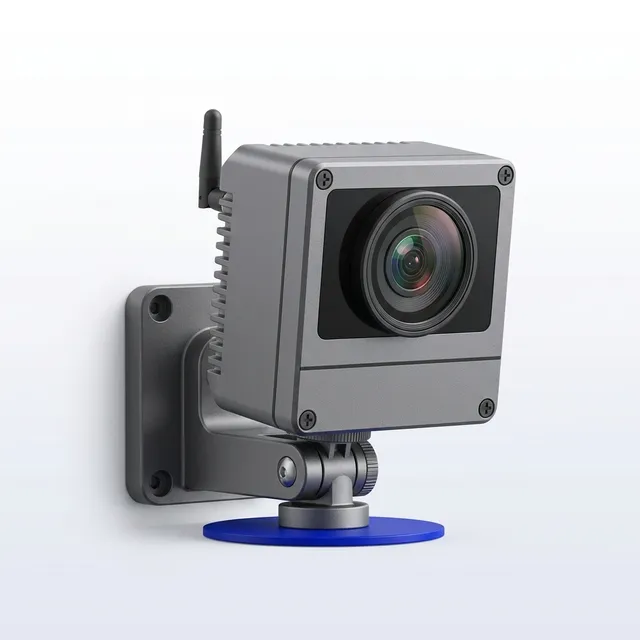
AI Vision Node 301
Counts, detects and alerts on the device.
$549/month hired ($520 hire + $29 data), $449 for each additional. Own it: $1,895 + $245/month.
Full spec →Step 3 of 6
Weather and site sensors
Optional, and the part a camera-only vendor cannot offer. Everything here logs to the same timeline as the frames.
Packs for a site this size
One click adds the pack. Adjust the counts below.
Sensors
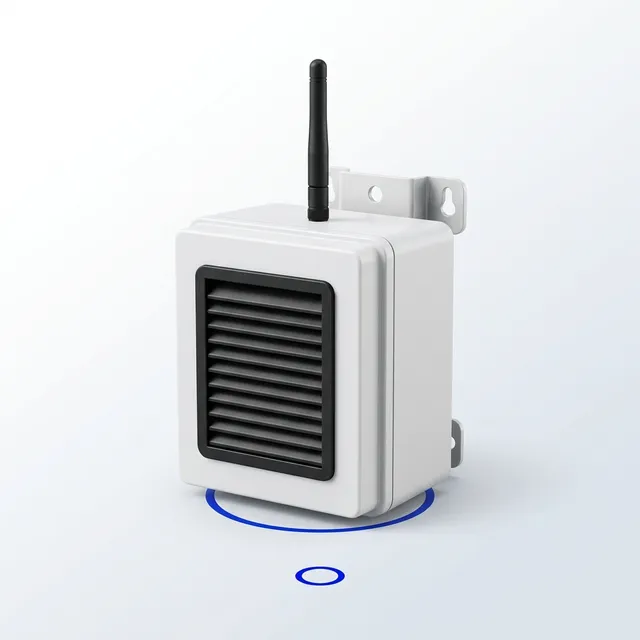
Dust Monitor · PM2.5 and PM10 at the boundary.
$69/month hired · $595 + $9/month owned · spec
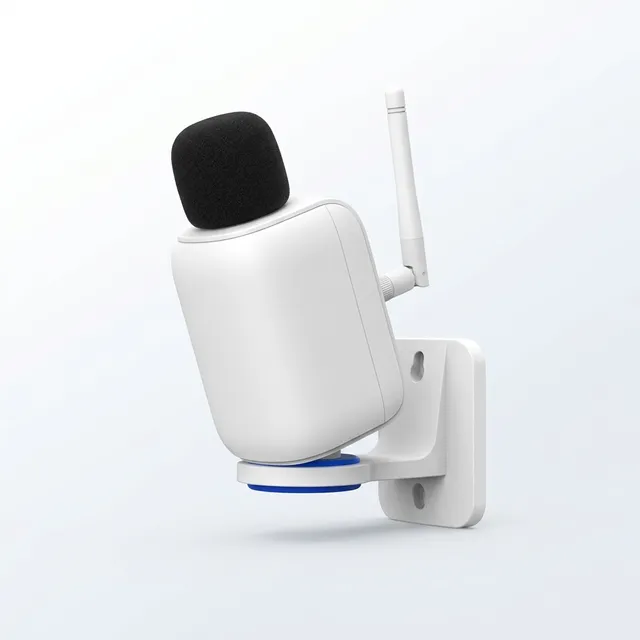
Noise Monitor · dBA at the boundary, before the complaint.
$59/month hired · $395 + $9/month owned · spec
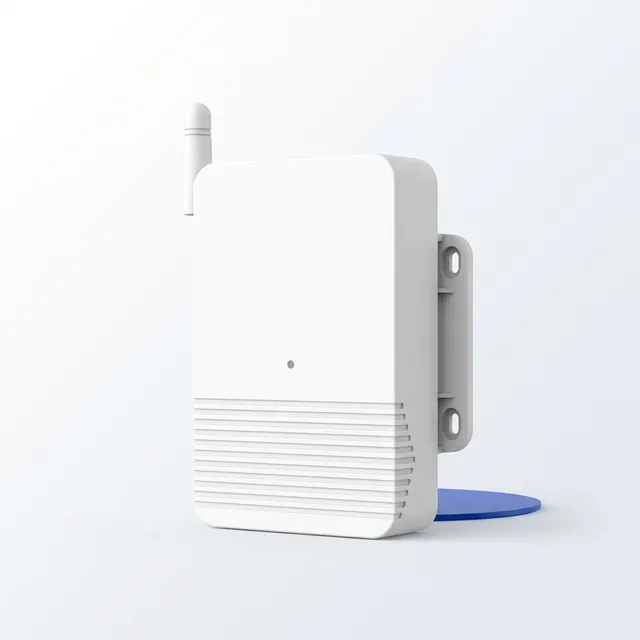
Tilt & Vibration Sensor · Hoarding, scaffold, crane base.
$29/month hired · $195 + $9/month owned · spec
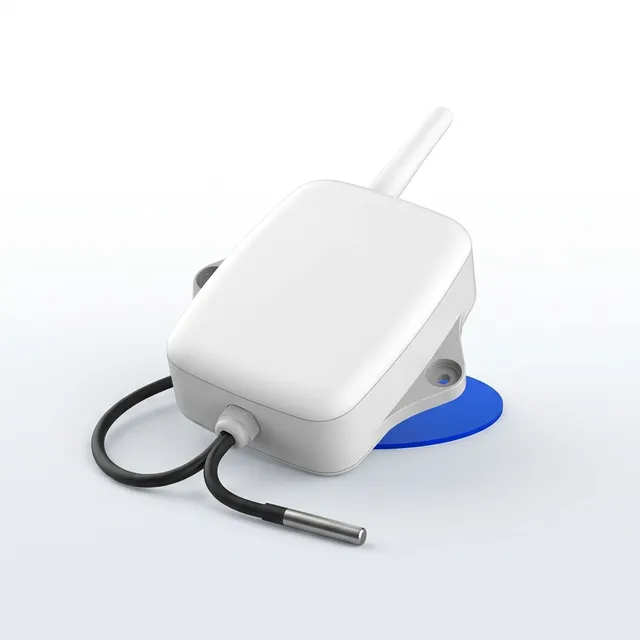
Temperature & Humidity Logger · Curing slabs and site sheds.
$19/month hired · $145 + $9/month owned · spec
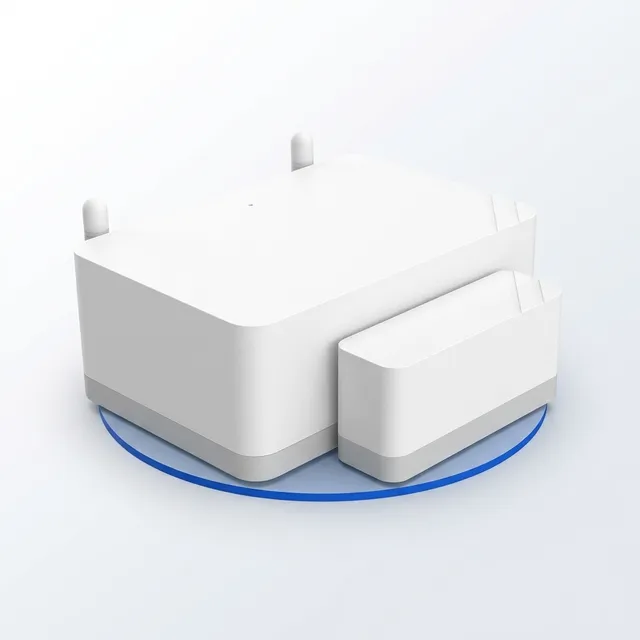
Gate & Door Sensor · Who opened the gate, and when.
$15/month hired · $75 + $9/month owned · spec
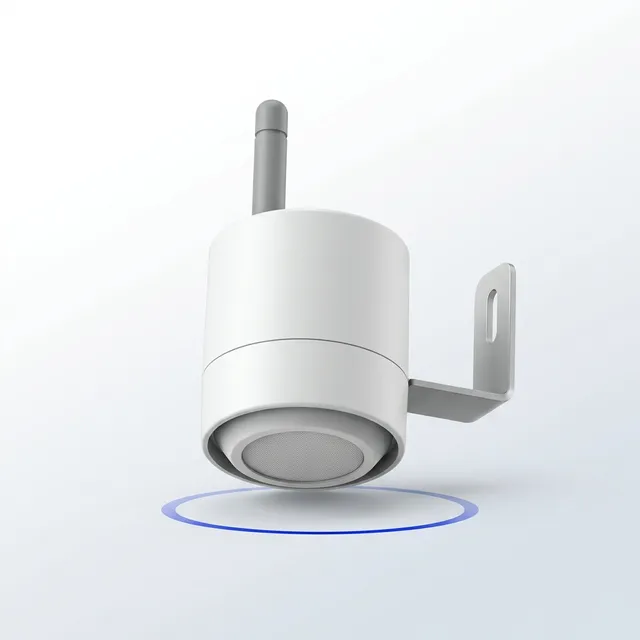
Water Level Sensor · Sediment basins and pump-out pits.
$39/month hired · $495 + $9/month owned · spec
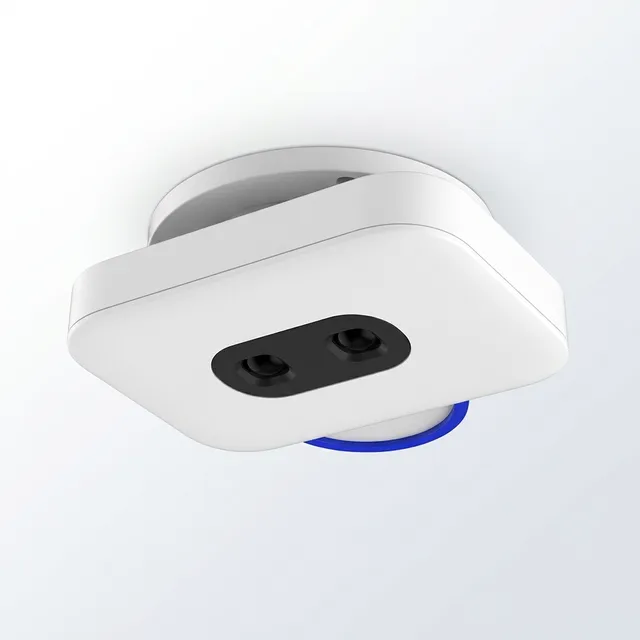
Gate Counter · Counted in and out, at a gate or an open entry.
$79/month hired · $695 + $9/month owned · spec
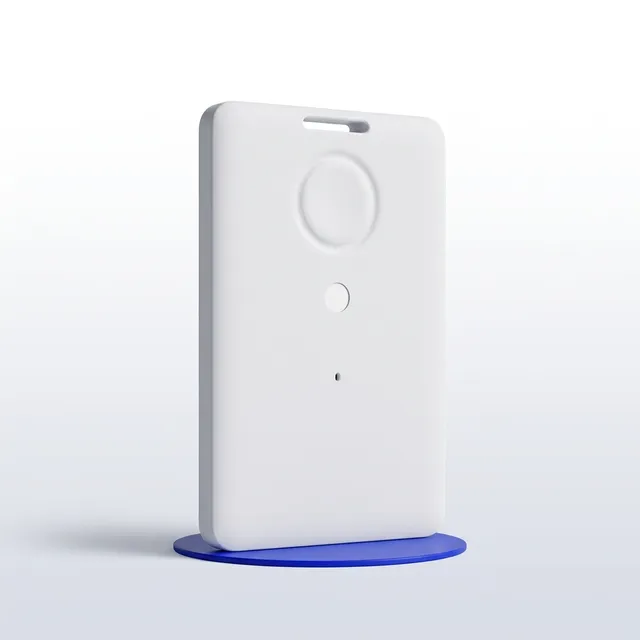
Asset Tracker · Plant and tools, on the site plan.
$19/month hired · $95 + $9/month owned · spec
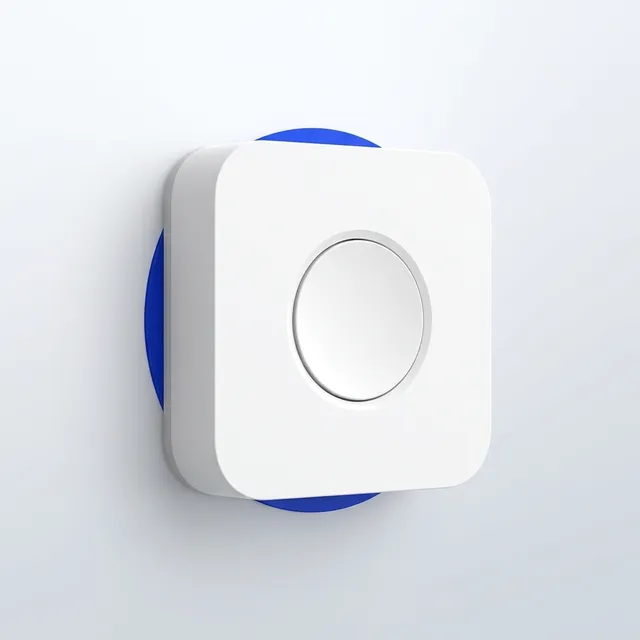
Site Incident Button · One press, the right people know.
$15/month hired · $65 + $9/month owned · spec
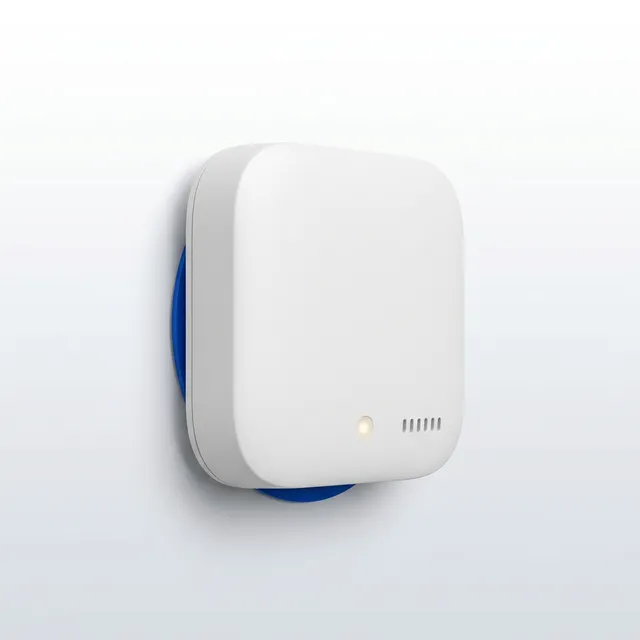
Site Office Air Monitor · CO₂, temperature and humidity in the shed.
$25/month hired · $225 + $9/month owned · spec
Site security
Cameras that record on site and alert after hours, the recorder that keeps the footage, and a mast on a trailer for the gate with no pole. Alerts go to your app and, on the routing service, to your licensed security provider; we are the technology, not the guard.
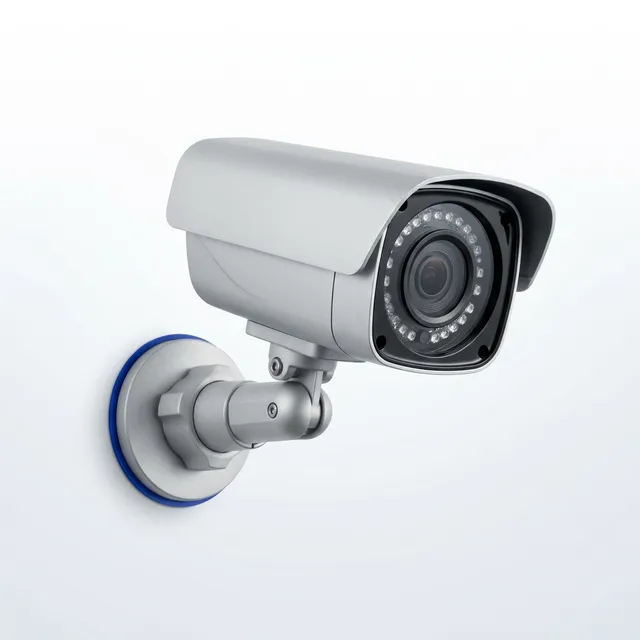
Security Camera Node · Records around the clock, alerts after hours.
$95/month hired · $795 + $29/month owned · spec
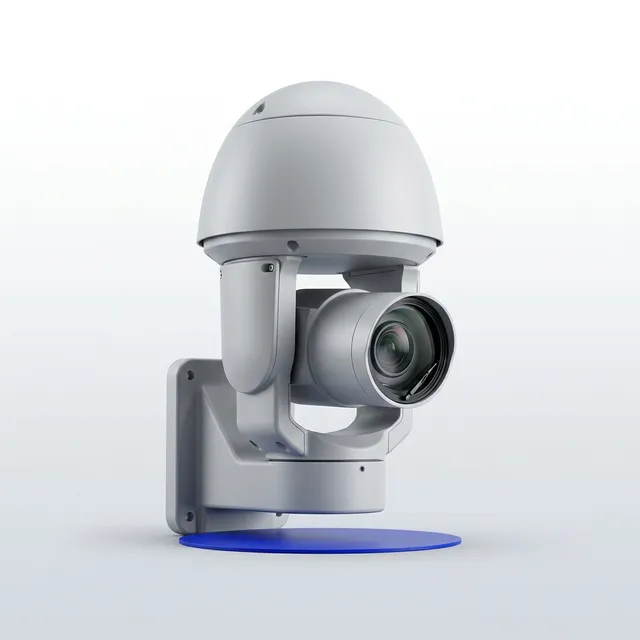
PTZ Security Camera · Pan, tilt and zoom from the Control Room.
$190/month hired · $1,995 + $39/month owned · spec
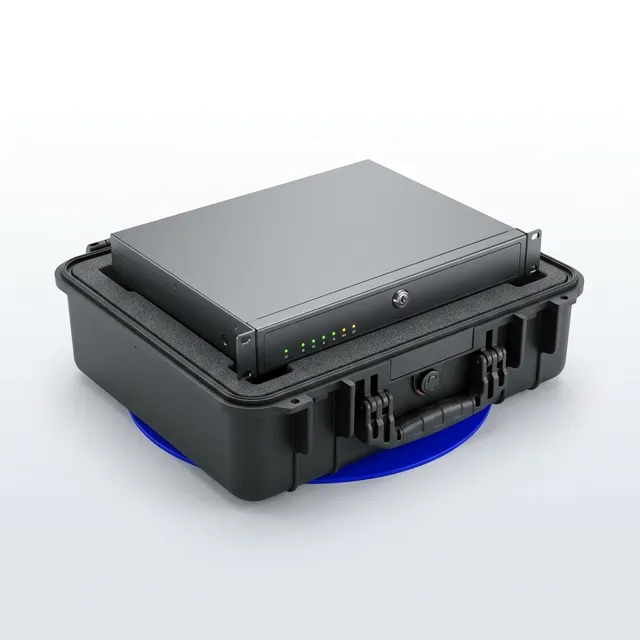
Site Recorder · Thirty days of footage, on site, under your control.
$120/month hired · $1,495 + $19/month owned · spec
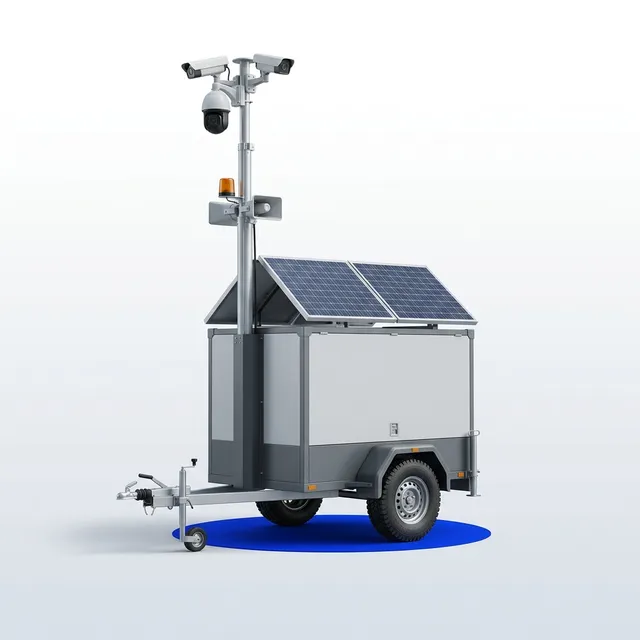
Solar Surveillance Trailer · A camera mast that stands on its own, anywhere.
$650/month hired · $14,500 + $79/month owned · spec
Step 4 of 6
Connectivity
How the data gets off site. Data is a line on the quote, per node, so you can see it.
Site internet for the office and the crew
Separate from the nodes' own data, so it is a line you can see. Stays for the whole programme with the same term discount; by the day on an events quote.
Step 5 of 6
Who installs it, and how you pay
Same kit, same platform, three ways to have it. Your own crew can do the install with our guide and a video call.
Included on every configuration
Information routing: who gets what, automatically
Every measurement has a named destination, a trigger, a channel and a person who confirmed it arrived.
Site crew and supervisors
The people on the ground who can do something about it in the next ten minutes.
- Gate and after-hours movement alerts with the frame attached
- Dust and noise readings against the limit set for that site, on the hour they matter
Push to the crew app · SMS · A screen on the wall
Project management
Project managers, site managers and foremen running the programme.
- The daily site note: what changed, what arrived, what stopped, written from the day’s frames
- Weather on the same timeline as the frames, so a lost day carries its own evidence
The site dashboard · Email, scheduled · A signed document
Commercial and contract administration
Quantity surveyors and contract administrators building claims, variations and delay notices.
- A claim pack on your claim cycle: the period’s frames, the weather record and the coverage statement in one document
- Rainfall, gust and temperature by day, exportable for a wet-weather or EOT submission
A signed document · Email, scheduled · Into your own system
Health, safety and environment
WHS managers and safety advisers holding the environmental and site-conduct obligations.
- Dust and noise against the limit for that site, with the exceedance duration and the conditions at the time
- Tilt and vibration on hoarding, scaffold or a neighbouring structure, with the alert threshold you set
Push to the crew app · Email, scheduled · A signed document
The client and the superintendent
The principal’s representative, the superintendent and the end client.
- A read-only view of the site, scoped to the positions you choose to share
- A monthly progress note with the period’s comparison frames
The site dashboard · Email, scheduled
Executive and portfolio
The general manager or director who carries more than one site at a time.
- One view across every live site: which positions are reporting, which are not, and since when
- Coverage across the portfolio in a single figure, per site and in total
The site dashboard · Email, scheduled · A screen on the wall
When nobody acts on a route
1. Sent · Immediately
The route fires to the people holding that role right now, on every channel that route carries.
2. Acknowledged · One tap
The first person to acknowledge takes it, and everyone else on the route sees that it is taken. The acknowledgement and the name are logged.
3. Re-routed · On the window you set
Unacknowledged inside the window, it goes to the next name on that route. Windows are per route: a gate alert is not a coverage report.
4. Escalated · On the second window
It reaches the escalation contact for that site, and the fact that the first two steps did not land appears in the monthly report.
The ninety-minute routing session and firing every route until a real person confirms it arrived are on this quote in every mode, at no extra charge. Routes for the rest of the site — subcontractors, marketing, your security provider — are set the same way and scoped to exactly what each one needs.
Step 6 of 6
Save the quote and send it to yourself
You get an email with a link that reopens this exact quote, and an A4 version to save as a PDF. We get the same. The link opens only for the address you enter here; you can share it with a colleague from the quote afterwards.
Three numbers, all of them on the page
No bundle to unpick. Every camera, every sensor and every SIM is its own line, so you can compare it to what you pay now.
Per camera, per month
Hire, monitoring, the archive and the film are one monthly number per camera. The first camera carries the platform; every additional camera is cheaper. Longer programmes earn a discount on hire.
Per node data, on its own line
A SIM in every node, or one base station in the site office with a pooled allowance that cameras and sensors share. Either way the data is a line you can see, not a margin you cannot.
Install is a choice, not a bundle
Our crew installs and comes back at completion, or your crew mounts it from the guide and we commission it on a video call. Same kit, same platform, and the travel is priced by band so you can see it.
A person takes it from here
- 01
The quote lands twice
Once in your inbox with a link that reopens exactly this configuration, and once with us. Nothing is lost in a PDF.
- 02
A person reads it
Usually the same day. If the address or the term changes the price, you hear that before anything is booked.
- 03
Positions, dates, induction
A short call to fix the camera positions, the install or delivery date and what the site needs from our crew or yours.
- 04
Up before the slab
Managed installs are usually on site within two weeks. Self-install kits ship staged to your account within a week.
The questions builders ask first
Is this price real, or an estimate?
It is the price, at the rates on the page today, for the configuration you built. The only things that can move it are a site detail we could not see from here: an unusual mount, a position that needs an EWP, a site the address did not place in the right travel band. If any of that applies we say so before anything is booked, and you decide.
What does "per node data" mean?
Every camera and the weather station needs a link off site. With a SIM in every node, each one is a monthly line. With the site base station, one dual-carrier router carries them all on a pooled allowance and the per-node lines drop to zero. Sensors always ride the base station over LoRaWAN, so adding one adds the base station.
Can our own crew install it?
Yes. Pick "Hire, you install" or "Own". The kit ships staged to your account with a printed install guide, a position sheet template and the shopping list for a pole if you want to supply your own. We commission every position with you on a video call, and remote-guided repositions by your crew are included for the whole term.
What happens at the end of the programme?
On hire, we de-install and make good, and you keep the completion film, the searchable frame archive and every export. On a Design Partner purchase the kit is yours to redeploy on the next site; the platform fee follows the node, not the site.
Why is the weather station on a timelapse quote?
Because a wet-weather or high-wind delay is argued with evidence, and the evidence is stronger when the rain gauge, the gust log and the photograph are on the same timeline. The Site Weather Node logs every minute and writes the rain-day report for the claim.
Does the AI identify people?
No. Detection is presence and count: a person in an exclusion zone, a hard hat not worn, a vehicle at the gate after hours. Review frames render as anonymised silhouettes. There is no facial recognition and no biometric matching, and none of it is a safety system; it is advisory, with the frame attached.
How is this different from the camera company we already use?
A timelapse camera photographs the site. This platform also counts, detects, logs the weather and tells you what it missed, with a monthly coverage report before your progress claim. The camera is the smallest part of the difference, and the price line for it is usually lower too.
Rather price it with a person?

Wesley Pearson, Managing Director
It's in Brisbane right now.
“You will get a reply from me within a business day, and a straight answer if we are the wrong fit.”
Book a timeFifteen minutes is usually enoughFifteen minutes with a person who reads what you send. No slides, no drip sequence.Book a quick chat →